Canceling is the best option for tools you have stopped paying for but still want to see in your reports.
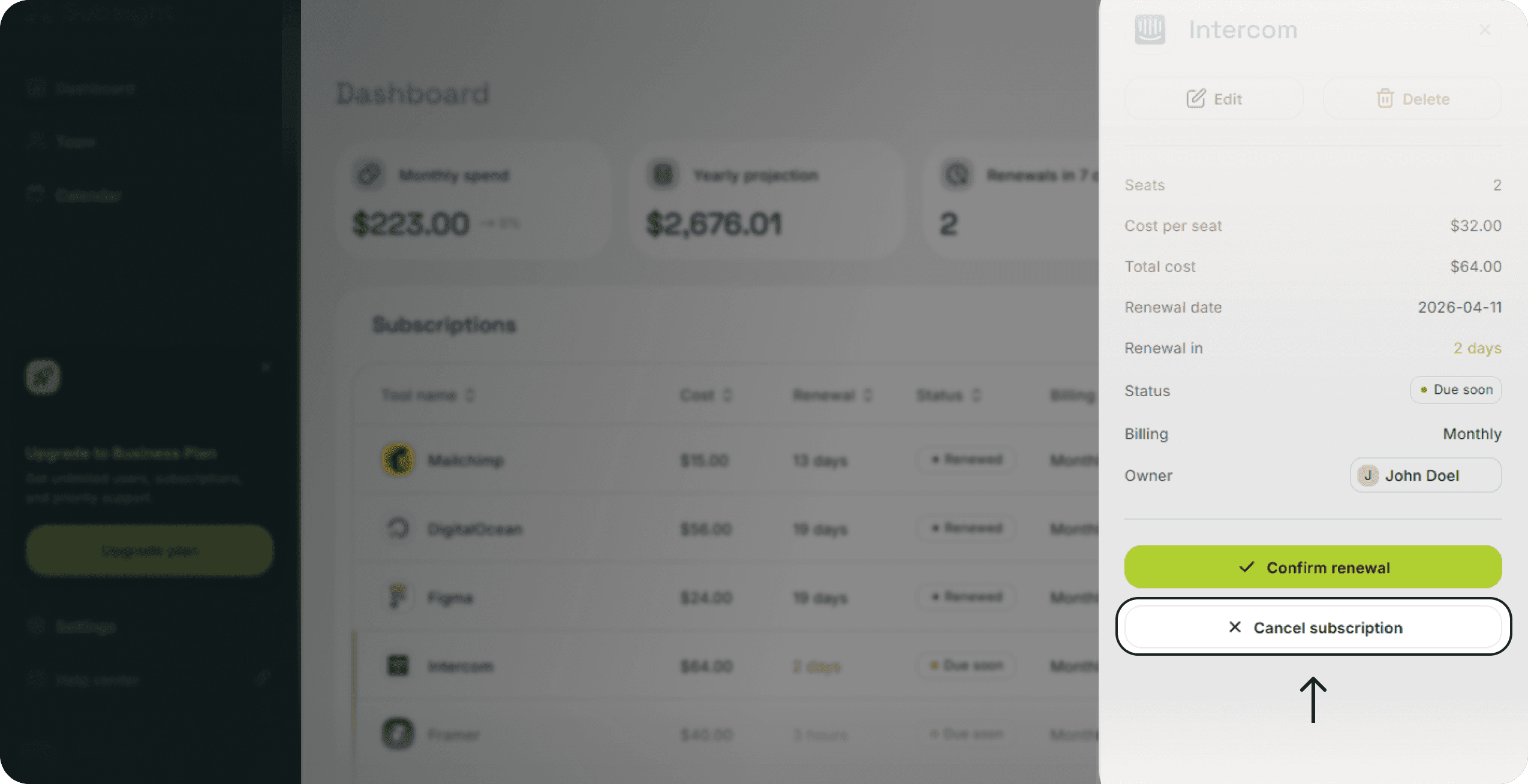
Open your Dashboard and click on the subscription you want to cancel.
Locate the Cancel subscription button at the bottom of the details panel.
Click the button to update the tool status.
Status Tag: The tool status will change to a grey Cancelled label.
Spending Metrics: The cost of this tool will be removed from your Monthly spend and Yearly spend totals at the top of the dashboard.
Historical Data: The subscription remains in your list for your records.
Use the delete function if you added a tool by mistake or wish to remove it and its history permanently.
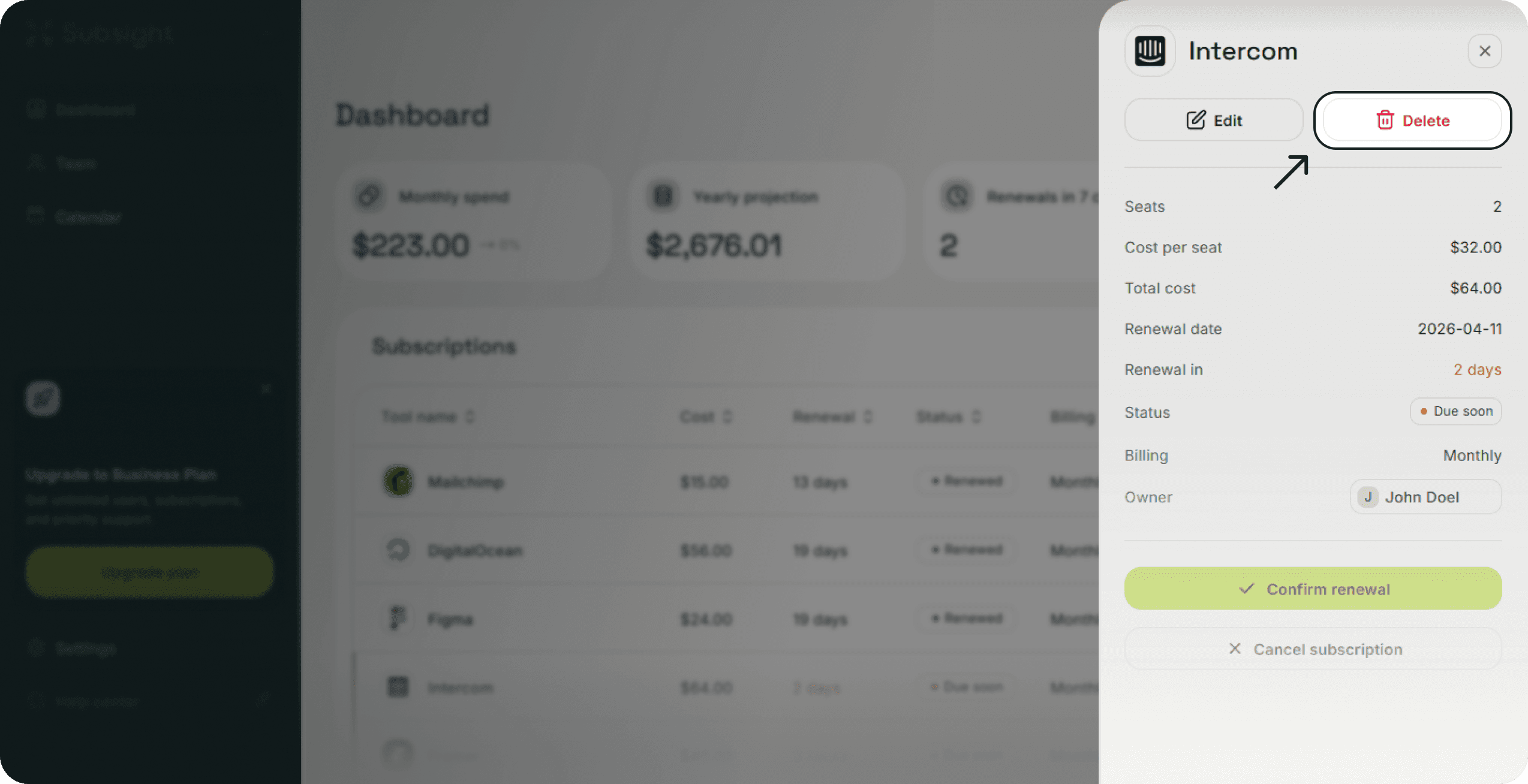
Click on the subscription to open the details panel.
Click the Delete button with the red trash icon at the top right of the panel.
Confirm that you want to permanently remove the tool from your workspace.
Note that deleting a subscription is permanent and cannot be undone. All associated data and per-seat cost history will be lost.