
Search for articles


Understanding Renewal Alerts
Subsight is designed to eliminate "subscription amnesia" by proactively alerting you before a charge hits your account. These alerts are automated based on the renewal dates you provide for each tool.

Written by Petras Nargela
Written by Petras Nargela

Last updated on
1. The Alert Timeline
By default, the system triggers notifications at specific intervals to give you time to review your subscriptions:
Upcoming (7 days before): You will receive an initial reminder one week before a subscription is set to renew. This is the ideal time to check seat counts or decide if you want to cancel the service before the next billing cycle.
Due Soon (2 days before): A second alert is sent 48 hours before the renewal date for any tool that has not been marked as "Renewed" or "Cancelled."
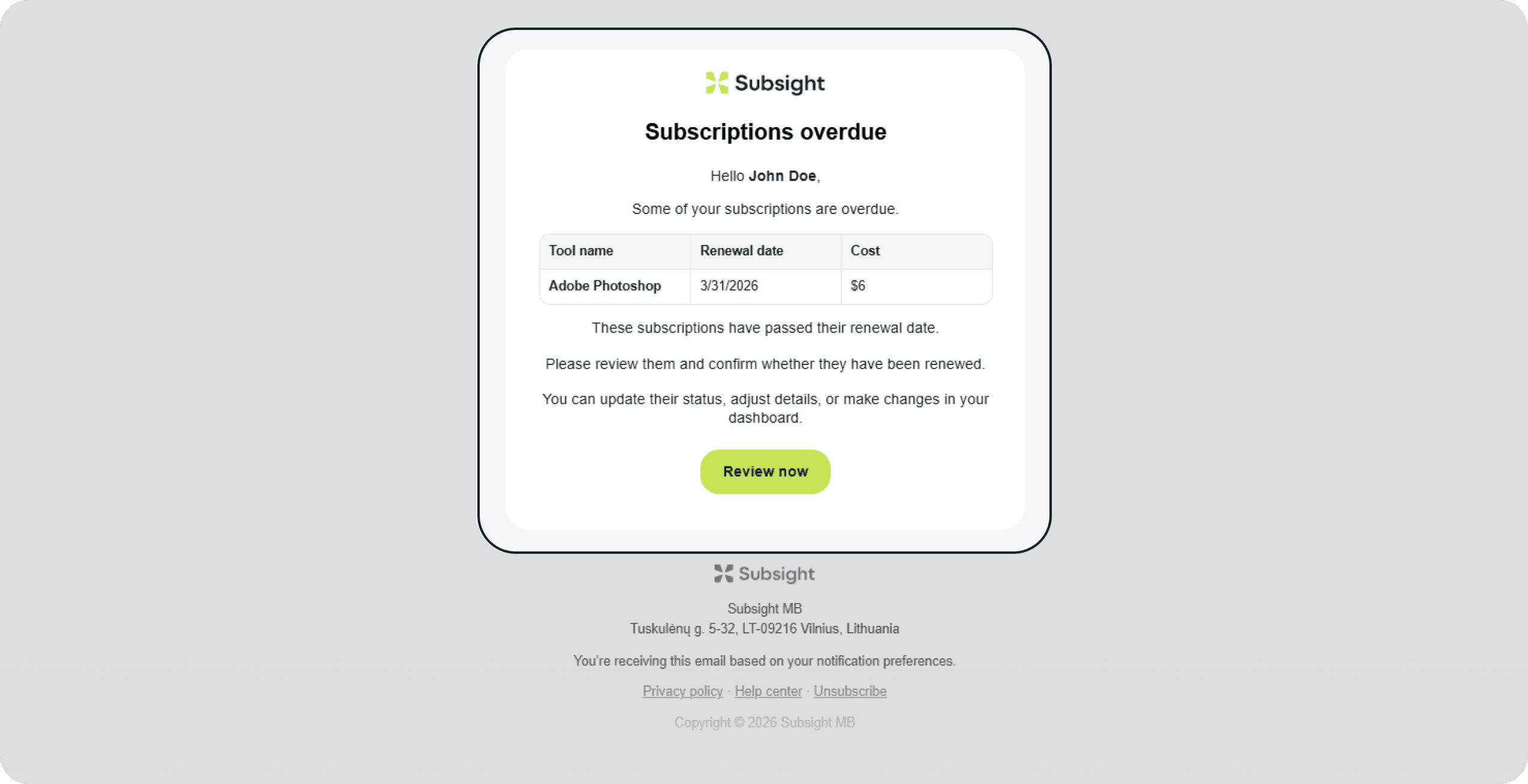
Overdue (Renewal day & day after): If a renewal date passes and the tool is still in an "Upcoming" state, Subsight will send an alert on the day of renewal and a follow-up the next day. These alerts help you identify potential billing failures or forgotten cancellations immediately.
2. Notification Channels
These alerts are delivered through the channels you have enabled in your settings:
Email: Reminders are sent directly to the email address associated with the subscription owner or workspace admins.
Slack: If integrated, these alerts will appear in your designated Slack channel, allowing your team to discuss renewals in real-time.
3. Tool Assignment Alerts
In addition to renewal reminders, Subsight will notify you whenever you are assigned ownership of a new tool or subscription. This ensures that every team member is aware of the software they are responsible for managing and tracking.
1. The Alert Timeline
By default, the system triggers notifications at specific intervals to give you time to review your subscriptions:
Upcoming (7 days before): You will receive an initial reminder one week before a subscription is set to renew. This is the ideal time to check seat counts or decide if you want to cancel the service before the next billing cycle.
Due Soon (2 days before): A second alert is sent 48 hours before the renewal date for any tool that has not been marked as "Renewed" or "Cancelled."
Overdue (Renewal day & day after): If a renewal date passes and the tool is still in an "Upcoming" state, Subsight will send an alert on the day of renewal and a follow-up the next day. These alerts help you identify potential billing failures or forgotten cancellations immediately.
2. Notification Channels
These alerts are delivered through the channels you have enabled in your settings:
Email: Reminders are sent directly to the email address associated with the subscription owner or workspace admins.
Slack: If integrated, these alerts will appear in your designated Slack channel, allowing your team to discuss renewals in real-time.
3. Tool Assignment Alerts
In addition to renewal reminders, Subsight will notify you whenever you are assigned ownership of a new tool or subscription. This ensures that every team member is aware of the software they are responsible for managing and tracking.


